
Smarter Library
Your files. Your notes. Your device.
Key features
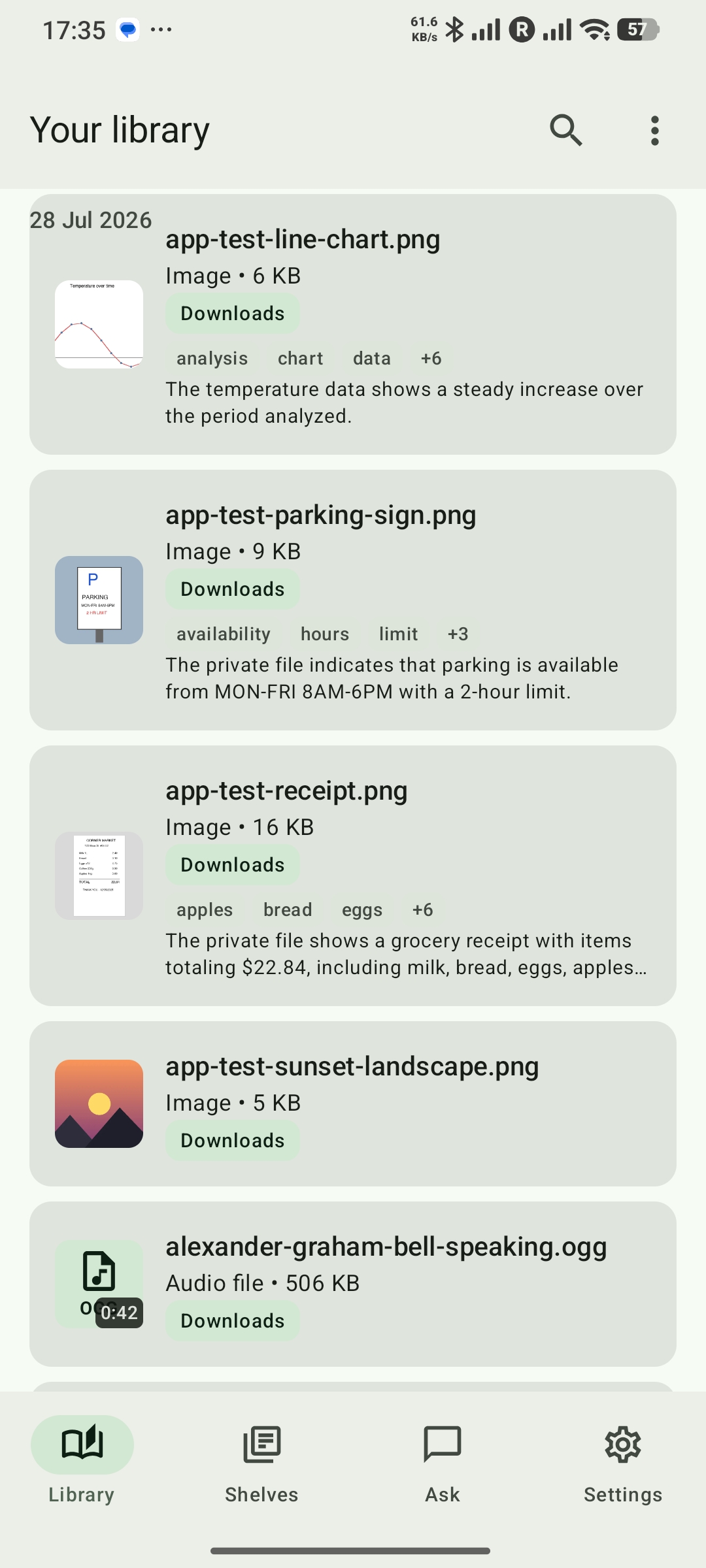
- Choose your sources:Enable Downloads or select folders with Android's system picker. Every source remains revocable.
- Keep files in place: Catalogue files without moving, uploading, or deleting the originals. When another app lends you a file, save a lasting copy to a folder you choose.
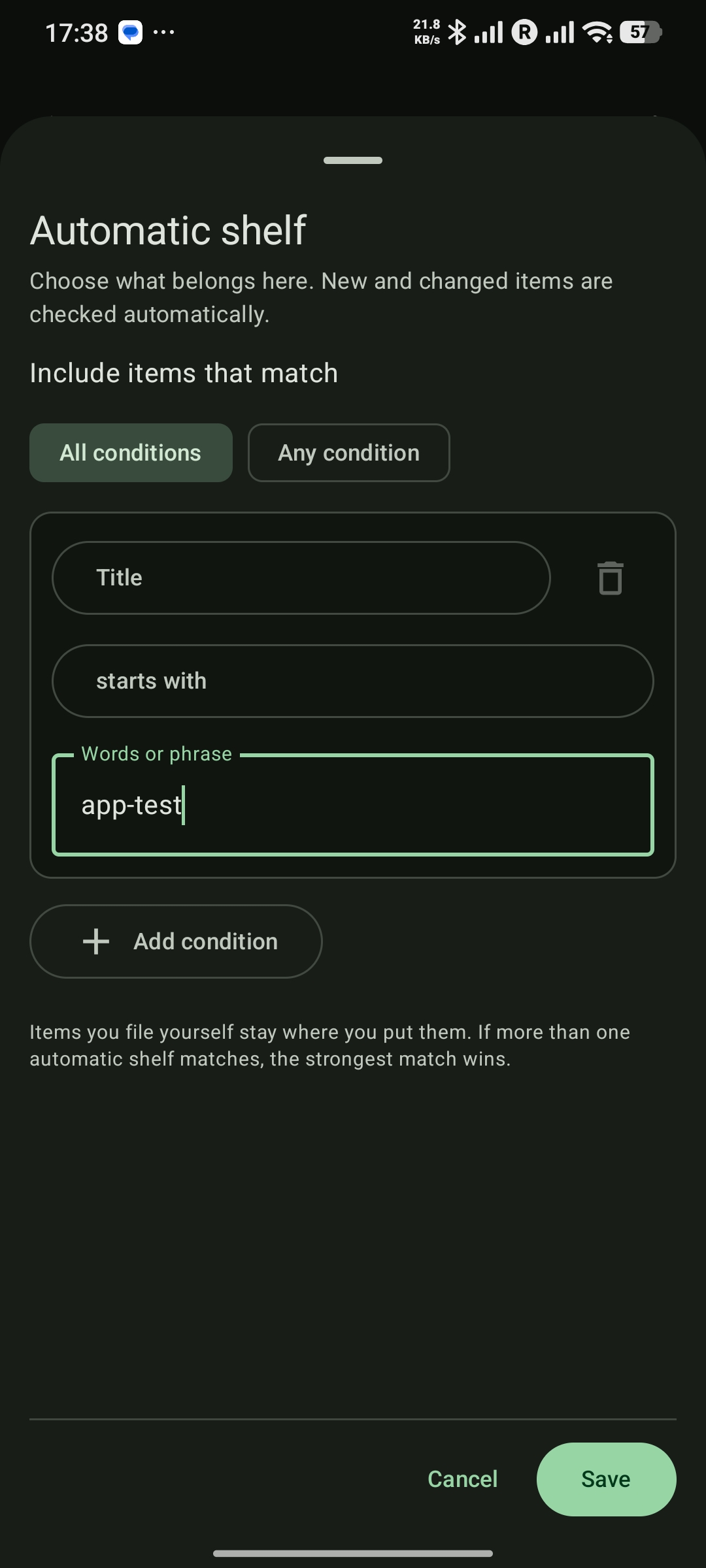
- Organise your way: Use shelves, tags, pins, saved views, and notes alongside your library items. The free version includes one automatic shelf and two saved views.
- Find things quickly: Search extracted text, filter a large library, detect duplicates, and rediscover useful older items.
- Read and play locally: Open documents, images, audio, and video in the app or another Android app.
- Back up your library: Create a passphrase-protected logical backup that can be restored into a later app version.
- Stay in control: Use clear privacy controls and Offline mode to govern app-started network access.
What’s new – 0.0.5
Version 0.0.5 brings Read aloud, more ways to get Pro, and smoother reading and playback.
- Listen and keep your place: Read supported documents from the reader menu, or listen to a selected passage or completed Ask answer. Use an installed offline voice, adjust the speed, and keep listening in the background with lock-screen controls.
- Follow the reading: The active paragraph stays highlighted and scrolls into view in supported readers. One progress bar follows the whole reading, with seeking and a Follow text switch.
- Clearer Ask excerpts: Read formatted Markdown and separate table cells, and expand longer selections without leaving the conversation.
- Smoother video controls: Tap to reveal controls and drag deliberately to adjust brightness or volume. Picture-in-picture shows your video without leaving a shrunken dashboard behind.
- More useful status: File details show the full Library or shelf total. Protected PDFs show a clear preview status instead of staying pending.
Read aloud in the reader is free. Reading an Ask answer keeps Ask's Pro requirement. Whole-document reading and paragraph following depend on the format and the content available in the reader.
Smarter Library Pro
Choose Monthly, Annual or Lifetime. All three unlock the same Pro features. Existing Lifetime purchases keep their access. The free library remains usable without Pro, and model installation is free.
- Monthly: An automatically renewing monthly subscription.
- Annual: An automatically renewing annual subscription.
- Lifetime: A one-time purchase with no subscription renewal.
See local prices, renewal terms and any eligible trial or discount in the app's Google Play checkout. Manage or cancel a subscription in Google Play, or restore purchases from Settings → Pro. Buying Lifetime does not automatically cancel an existing subscription.
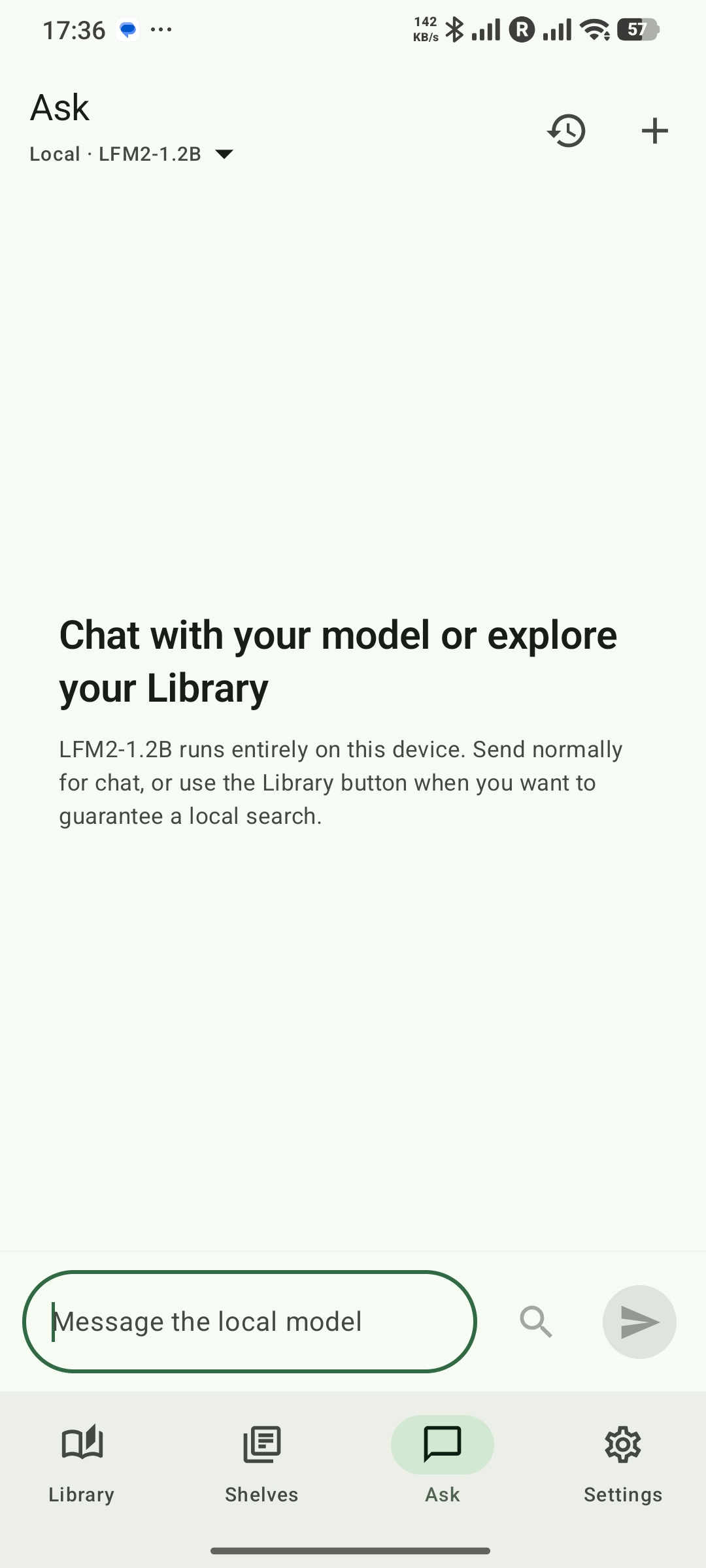
- Ask, summaries and tags: Use an installed on-device model to ask questions, understand selected passages, and generate summaries and tags.
- Semantic search: Find items by meaning, not only keywords.
- Transcription: Transcribe audio and video on the device.
- Image understanding: Generate image descriptions and tags.
- Unlimited organisation: Create as many automatic shelves and saved views as you need.
Screenshots
Privacy
Smarter Library has no account, advertising SDK, cloud AI, or Smarter Technologist analytics backend. It does not upload library content, filenames, paths, notes, searches, prompts, answers, or generated results. Optional Google components have a separately disclosed operational-data boundary. Read aloud passes the selected text to the installed Android speech engine using an offline voice; the engine provider has its own privacy terms. A user may deliberately send a generated-output report through their own email app.
Read the Smarter Library Privacy Policy for complete details.
Support
Questions or feedback? Email smartertechnologist@gmail.com.